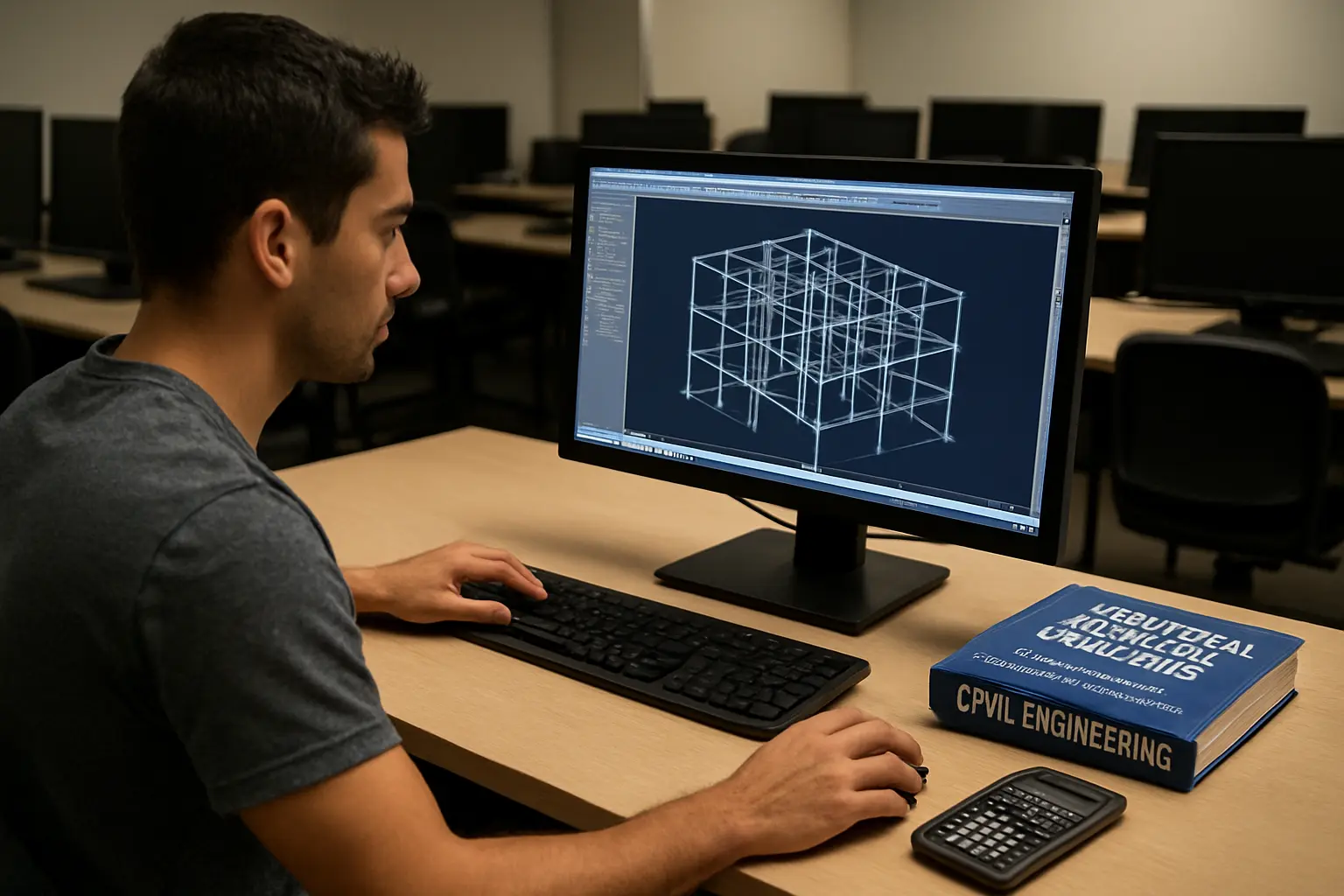
| Software | Best for | Licence model | Learning curve | Verdict |
|---|---|---|---|---|
| STAAD.Pro (Bentley) | Structural analysis and design (steel, concrete, timber structures) | Paid subscription; free access for verified students and educators via Bentley Education | Moderate | Strong default for a structural-analysis dissertation |
| ETABS (CSI) | Building analysis — multi-storey structures, seismic and wind load analysis | Cloud sign-in licensing; no public pricing listed; trial available; check CSI directly for student terms | Moderate–steep | Best where the study is specifically building-focused |
| Civil 3D (Autodesk) | Site design, roads, drainage and earthworks modelling | Subscription; Autodesk runs an education access programme — confirm current terms on Autodesk’s own site before relying on free access | Steep | The default where the study is civil/infrastructure design rather than structural analysis |
Which tool actually fits your dissertation topic?
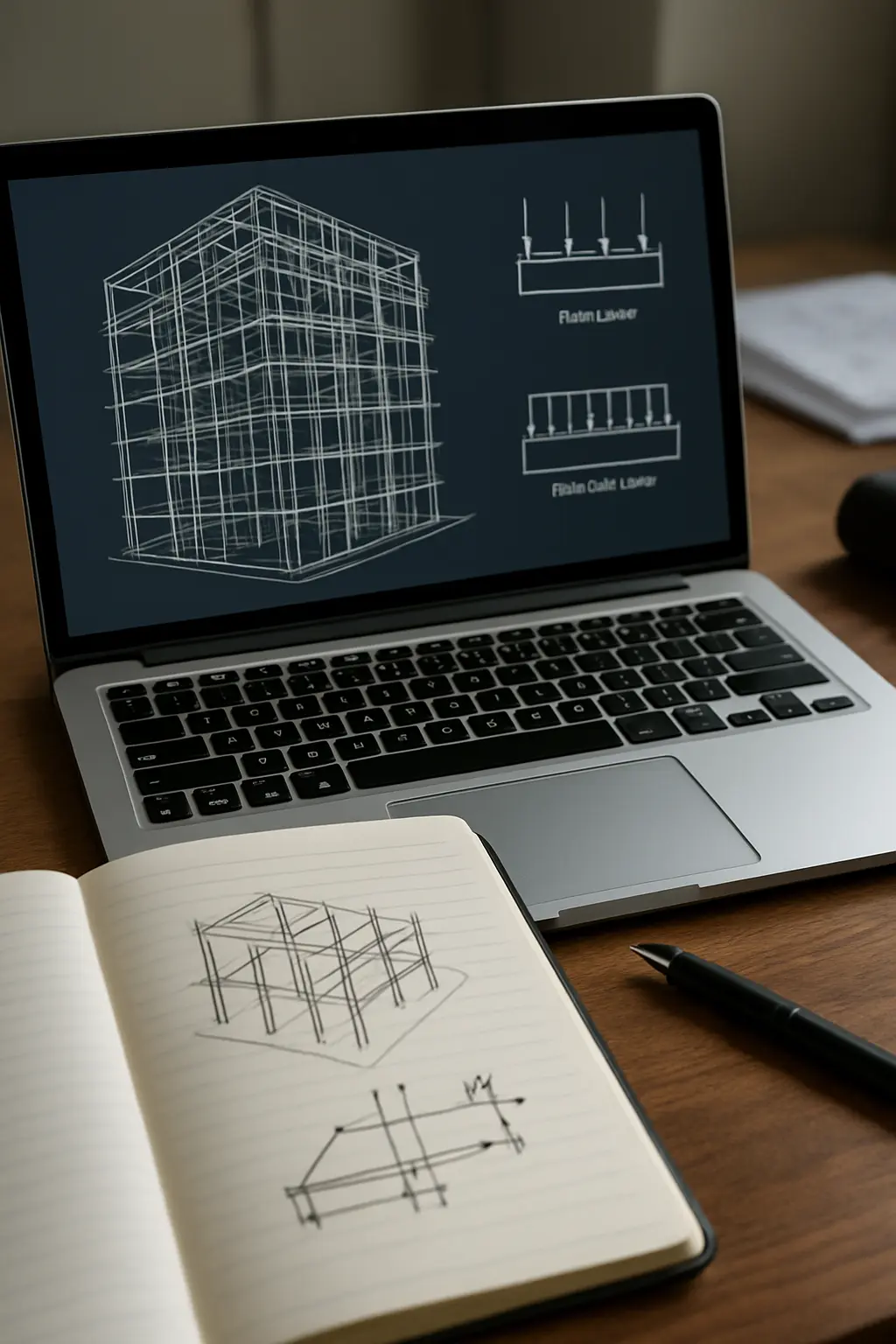
These three tools are not substitutes for each other — they solve different problems, and the tool choice should follow from the research question, not the other way around. STAAD.Pro is built for structural analysis and design: if the dissertation tests how a structural member or system behaves under load, STAAD.Pro (or a comparable analysis package) is the standard tool. ETABS is purpose-built for multi-storey building analysis specifically, including seismic and wind response — choose it over STAAD.Pro when the study is building-specific rather than a general structural element. Civil 3D belongs to a different job entirely: site design, road alignment, drainage networks and earthworks — the tool a transportation, water or site-infrastructure dissertation reaches for, not a structural-analysis one.
STAAD.Pro: what it actually costs
Bentley lists STAAD.Pro on a subscription basis, starting from several thousand rand-equivalent per year for a standard licence — check Bentley’s own pricing page for the current figure in your currency, as list prices change. Separately, Bentley Education states it provides free access to Bentley software, including STAAD.Pro, for verified students and educators for academic use. This is the more relevant route for a dissertation: register through Bentley Education rather than assuming you need to budget for the commercial licence.
ETABS: what it actually costs
CSI does not publish list pricing for ETABS on its own site — licensing has moved to a cloud sign-in model, and a trial is available through CSI’s site. Because CSI publishes no public student-pricing page, confirm directly with CSI, or check whether your own department already holds an institutional seat (South African civil engineering departments commonly license structural analysis software at faculty level) before assuming either a cost or a free route.
Civil 3D: what it actually costs
Autodesk runs an education access programme covering many of its products for verified students and educators, but the specific terms that apply to Civil 3D — eligibility, licence length and renewal — change from time to time. Do not assume free access without confirming directly on Autodesk’s own site — the terms, eligibility and renewal period for education licences change, and a dissertation methodology chapter should state the licence actually used, not an assumed one.
Do South African civil engineering departments already provide these?
Many South African civil engineering departments hold institutional licences for at least one structural-analysis package through their own labs, since these tools are also used in coursework, not only in dissertation research — check with your department before purchasing or registering for an education account elsewhere. Where a department licence exists, it typically comes with department-specific installation and support arrangements that an individual student account does not.
What about open-source alternatives?
Free, open-source structural analysis tools exist (for example, OpenSees for research-grade finite-element structural analysis) but require considerably more setup and scripting knowledge — typically Python or Tcl — than a commercial GUI-based package, and South African undergraduate and honours-level civil engineering training rarely covers them directly. They are a realistic option for a candidate with programming confidence and a design that benefits from scriptable, research-grade analysis, but not the default recommendation for a standard mini-dissertation on a tight timeline.
Hardware and installation considerations
All three packages are desktop applications that run comfortably on a mid-range laptop for typical student-scale models — a large multi-storey building model in ETABS or a complex site model in Civil 3D will run more comfortably with more RAM and a dedicated graphics card, but none of the three requires specialist high-performance computing for a standard dissertation-scale study. Where load-shedding or unreliable power is a factor, working from a laptop with a healthy battery, or scheduling model runs and file saves around confirmed power windows, matters more in practice than raw processing power — losing an unsaved multi-hour analysis run to a power cut is a more common real-world problem than the software itself being too slow.
Checking results against the relevant SANS standard
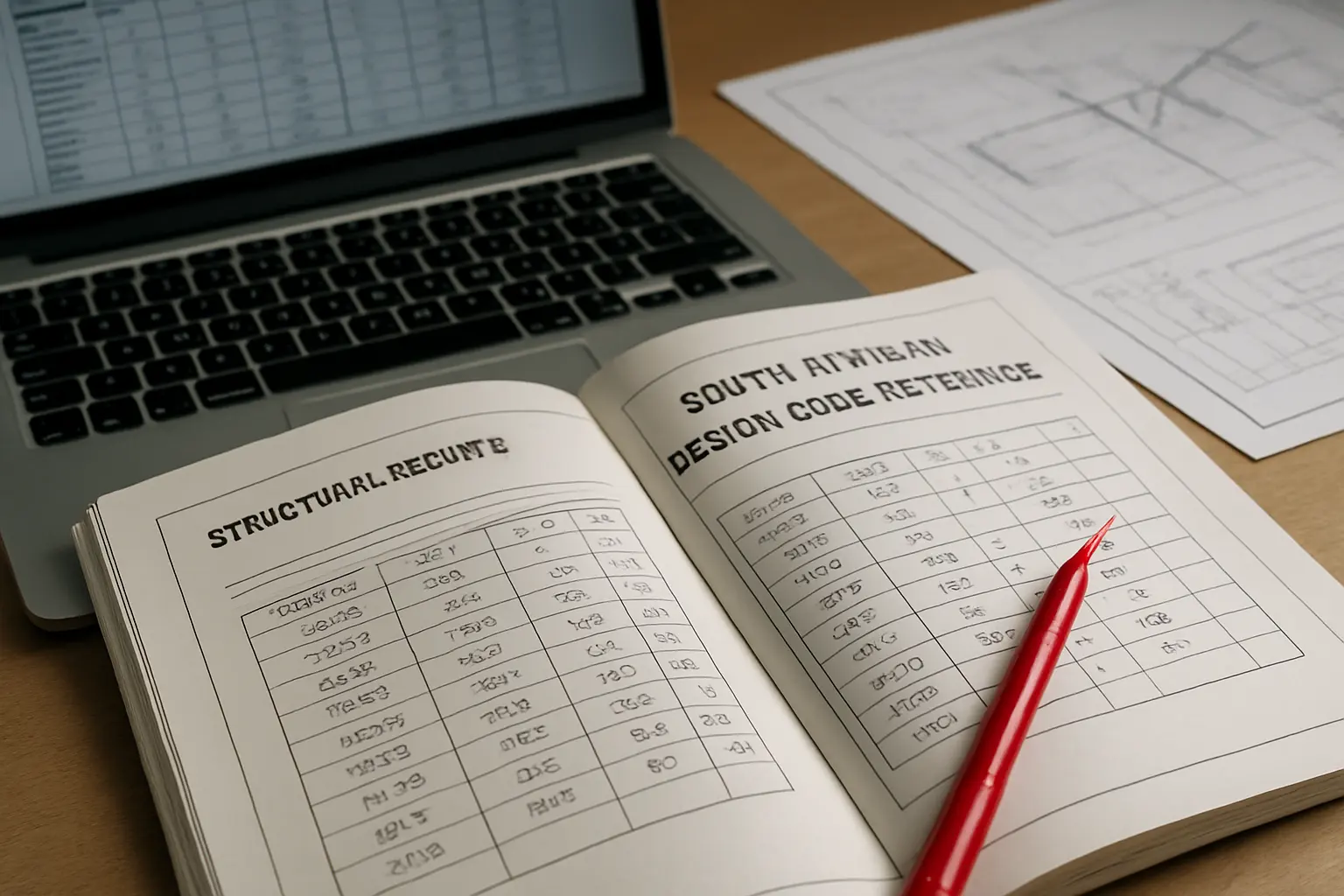
None of the three packages substitutes for knowing the applicable SANS standard for your specific design — STAAD.Pro and ETABS can be configured to check results against a selected design code, but selecting the wrong code (an international code instead of the South African SANS equivalent) is a documented source of results an examiner will flag immediately. Confirm the design-code setting matches SANS 10100 (concrete), SANS 10162 (steel) or the relevant code for your material and structure type before running the final analysis that will appear in your results chapter, not only during initial model-building — a code mismatch caught late is one of the more time-consuming corrections to make.
What about student versions with reduced functionality?
Some education-licensed versions of engineering software cap the size or complexity of the model that can be analysed (a maximum number of nodes or elements, for example). Check this limit against your intended model’s scale before committing to a specific licence route — a model that exceeds a student-version cap partway through the study can cost significant rework time, sometimes requiring the whole model to be rebuilt at a smaller scope or migrated to a different licence tier. This is exactly the kind of detail worth confirming with your department or the vendor directly at the proposal stage, not discovered mid-analysis.
How does this connect to the dissertation’s methodology chapter?
Whichever tool is chosen, the methodology chapter should name the specific software, version number, and the standards it is validated against (SANS 10100 for concrete, SANS 10162 for steel structures, for example) — see the site’s own guide to writing the methodology chapter of a civil engineering dissertation for the fuller structure this software choice feeds into. An examiner checking the methodology chapter wants to see that the tool matches the design (structural, building or site) named in the research questions, not a mismatch discovered only in the results chapter.
How does this compare to other South African engineering and science tool comparisons on this site?
The site’s own comparison of the software and tool stack for an agricultural sciences thesis covers a completely different set of tools (GenStat, R, QGIS) for a completely different job — trial-design statistics and geographic data rather than structural or site engineering analysis. If your civil engineering study also involves a GIS or statistical component (drainage catchment mapping, or a statistical model of failure rates, for example), that comparison is a useful second read alongside this one, since the two tool sets solve genuinely different parts of a civil engineering research project.
Budgeting for software as part of the dissertation timeline
Whichever route is chosen — a free education licence, a departmental seat, or a paid subscription — build the registration and approval time into the project timeline from month one, not the week analysis is due to start. Education-licence verification (confirming student status, waiting for account approval) can take days to weeks depending on the vendor, and a departmental licence request may need to go through IT or lab-booking processes with their own lead time. Treat software access as a dependency with its own deadline, the same way data access or ethics clearance are treated elsewhere in the proposal — a delayed licence approval that pushes the analysis phase back by even two or three weeks can be enough to threaten a tight academic-year timeline.
One clear recommendation
For a standard structural-analysis civil engineering mini-dissertation, register for Bentley Education’s free STAAD.Pro access first — it is the most clearly documented free route of the three. If the study is specifically about multi-storey building response, check your department’s existing ETABS licence before looking elsewhere. If the study is site or infrastructure-design focused rather than structural, Civil 3D is the right tool family, but confirm your specific access terms with Autodesk or your department directly rather than assuming free access — whichever route you take, get the licence question answered before your analysis timeline depends on it.
Choosing the right tool is only the first structuring decision in a civil engineering dissertation — Tesify helps lay out the rest of the chapters in the order examiners expect, while every model, calculation and result stays entirely your own work.
Frequently asked questions
Can I use more than one of these tools in the same dissertation?
Yes — some studies use STAAD.Pro or ETABS for structural analysis and a separate tool (Civil 3D, or a drafting package) for site layout or presentation drawings. Name every tool used in the methodology chapter, not only the primary analysis package.
Do I need to disclose which software I used?
Yes — the specific software and version used for analysis or design is standard methodology-chapter content in civil engineering dissertations, since results are not reproducible without it.
Is a free trial enough to complete a dissertation?
Usually not — most trials run for a limited period (commonly a few weeks), shorter than a full analysis and write-up phase. Confirm the trial length against your own project timeline before relying on it, or use the free education-access routes described above instead.
Which tool do South African civil engineering firms actually use in practice?
This varies by firm and specialisation, and no single national figure exists — structural consultancies commonly use STAAD.Pro or ETABS, while civil/infrastructure consultancies commonly use Civil 3D, roughly matching the split described above, but confirm with practitioners in your specific sub-field if industry relevance matters to your study.
Can I switch tools partway through my dissertation?
It is possible but costly in time — re-running an analysis in a new tool after building a model in another is rarely worth it unless the original tool turns out to be genuinely unsuited to the design. Choose carefully at the proposal stage rather than assuming a switch will be easy later.
Does my supervisor need to approve the software choice?
Check your department’s expectations, but naming and justifying the tool choice in the proposal — rather than deciding informally later — is good practice regardless, since it lets your supervisor flag a mismatch or a licensing problem before you have invested time in a model.
Are there South African-specific tutorials for these packages?
Most learning material for STAAD.Pro, ETABS and Civil 3D is produced internationally rather than for a South African audience specifically, so tutorials will generally use international design codes by default — the skill of switching the design-code setting to the relevant SANS standard is one you will likely need to apply yourself, not something most tutorials cover.